I added a constraint target which allows a view to be automatically sized to fit its contents.
In the example below, the key line is:
at(bg).fit_size = at(mover).frame
import ui

from ui3.anchor import at


class Mover(ui.View):
    def touch_moved(self, t):
        self.center += (
            ui.convert_point(t.location) -
            ui.convert_point(t.prev_location)
        )

root = ui.View()
bg = ui.View(
    background_color='grey',
)
root.add_subview(bg)

for _ in range(5):
    mover = Mover(
        background_color='white',
        frame=(10, 10, 50, 30),
    )
    bg.add_subview(mover)
    at(bg).fit_size = at(mover).frame

root.present('fullscreen')
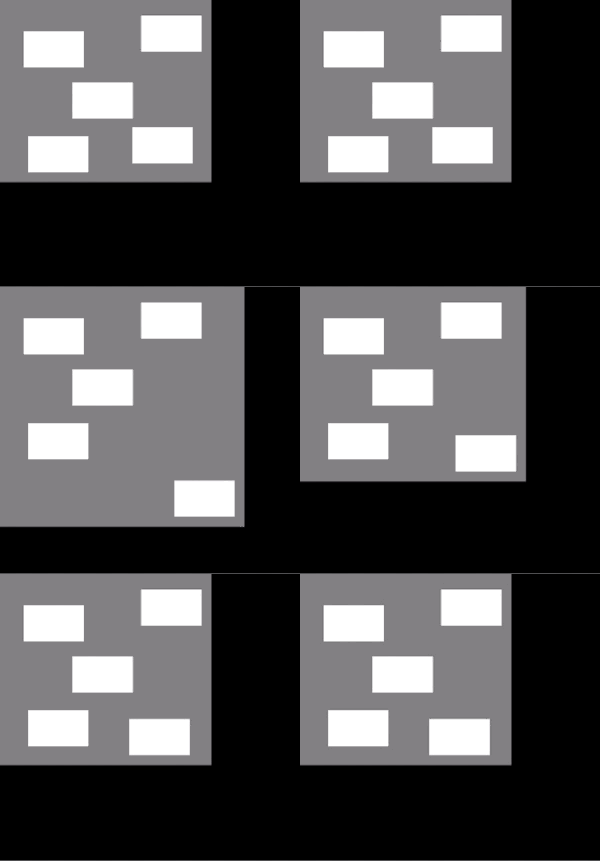
My use case for this constraint is that now I can place the containing view in a ScrollView, and then with another constraint update the ScrollView content_size whenever the contents change or move:
attr(scroll_view).content_size = at(container).size
... thus getting automatic scrollview "activation" without needing to manually keep track of the content size.
To stress test this feature, and anchor constraints in general, I made a "matrix" version of the SFSymbol browser:
from ui3.sfsymbol_browser import SymbolMatrix

SymbolMatrix().present('fullscreen')

... and what I noted is that instantiating the 2500+ symbols all at once in a view takes a while in general. And managing the layout purely with constraints was not feasible as the Python recursion depth limit was exceeded. 😁
But the new constraints worked, when I applied them only to the last symbol on each line.