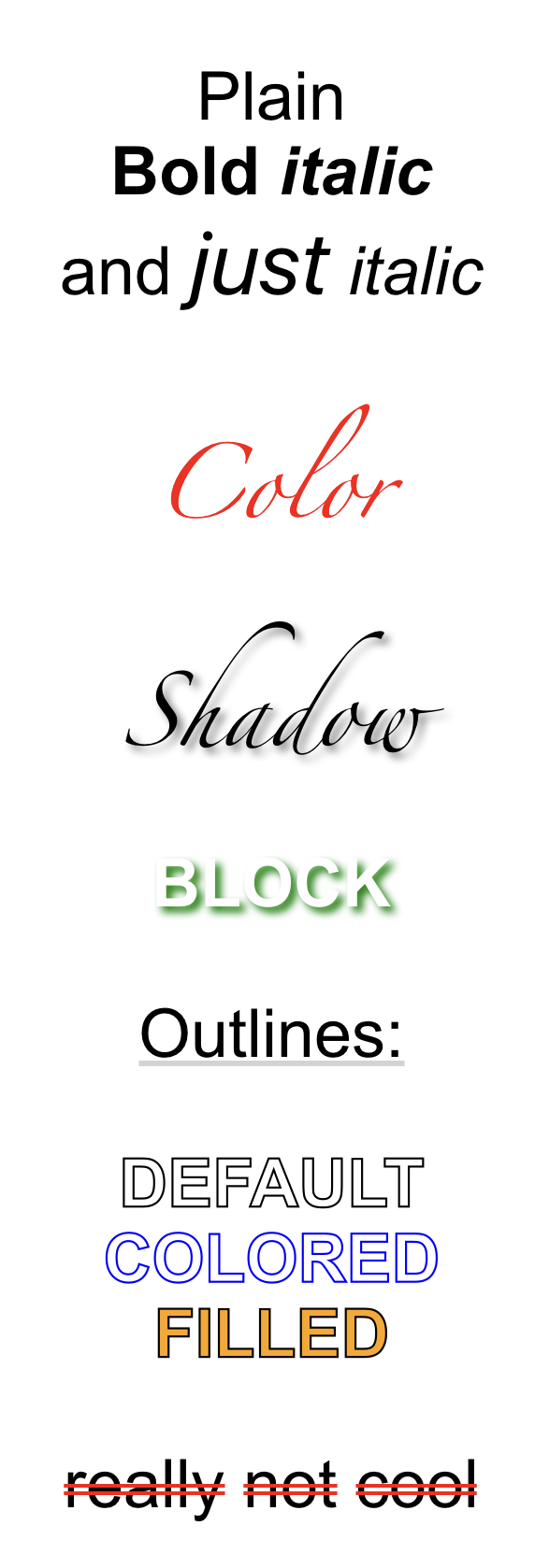
I used HTML-like syntax for the rich text definitions, since it is familiar and easy to parse with BeautifulSoup... But it is not especially joyful to write, especially since Pythonista has no native support for closing tags.
So, couple of things to reduce the amount of tags you need to write:
-
If you use a specific complex style in the label string a lot, subclass RichLabel and define custom tags for it. For example:
class MyRichLabel(RichLabel):
    custom = {
        's': '<b><shadow green 0/></b>'
    }
Now, wherever you use the tag , it is replaced by the above definition.
-
You can also define ready-to-use Label classes, where a certain format is applied by default:
class MyRichLabel(RichLabel):
    custom = {
        's': '<b><shadow green 0/></b>'
    }
    default = '<c white><s/></c>'
The way RichLabel class is built (it is actually a ui.Label in the end), you can set any usual ui.Label attribute defaults at the same time:
class MyRichLabel(RichLabel):
    custom = {
        's': '<b><shadow green 0/></b>'
    }
    default = '<c white><s/></c>'
    font = ('Arial', 24)
    alignment = ui.ALIGN_CENTER
    number_of_lines = 0
Now we can use it without extra tagging:
fancy = MyRichLabel(
    background_color='white',
)

fancy.rich_text('FANCY BLOCK')
With the result:

-
In the best case you do not need to write any tags, if you just need one style and are happy with the defaults. Following label classes are defined in the package:
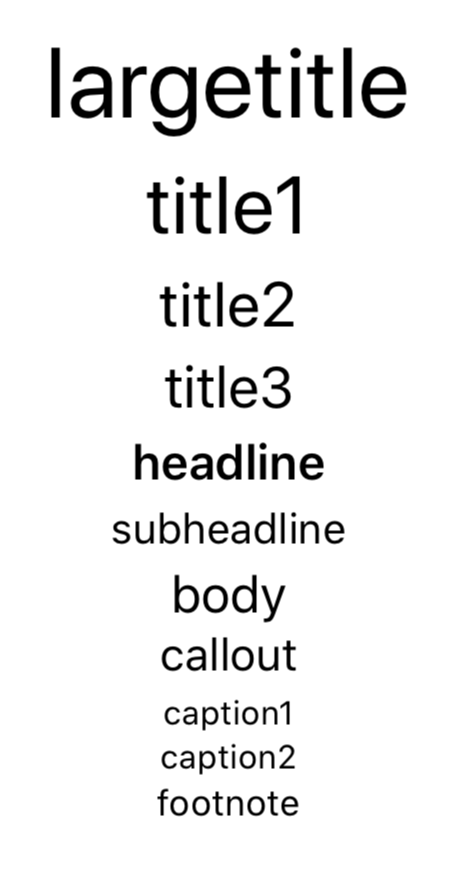
BoldLabel, ItalicLabel, BoldItalicLabel, ObliqueLabel, BoldObliqueLabelOutlineLabelUnderlineLabel, StrikeLabelShadowLabelBodyLabel, CalloutLabel, Caption1Label, Caption2Label, FootnoteLabel, HeadlineLabel, SubheadlineLabel, LargeTitleLabel, Title1Label, Title2Label, Title3Label
Due to limitations of the built-in view classes, you still need to use the rich_text method - good old text will just give you good old plain text.