Forum Archive

Font size increase/decrease like AA button of Safari in WKWebView

cvp

@mikael As you have created the WKWebView module, do you know how I could increase/decrease the font size of a loaded web page like the AA button of Safari does?

I've tried this without success

            add_style('body { -webkit-text-size-adjust: 200%; }') 
mikael

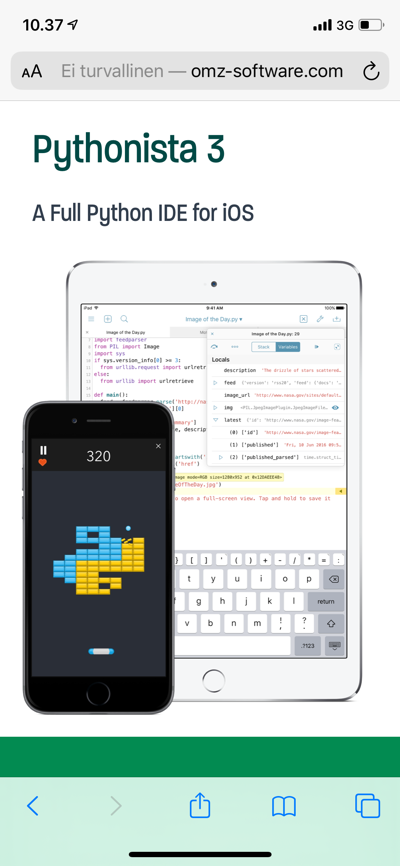
@cvp, your code works for me for an arbitrary test page. (See exact code below, just to be sure. I tried some other random sites as well.)

add_style works by placing a style tag at the end of the document head. Is your specific page doing something to stop this from having effect?

import wkwebview

v = wkwebview.WKWebView()
v.present()
v.load_url('http://omz-software.com/pythonista/')
v.add_style('body { -webkit-text-size-adjust: 200%; }') 
cvp

@mikael Thanks for helping. It is not a real web page, it is a ePub file which is displayed in a wevbview.

cvp

@mikael I don't see difference between safari and your code here

mikael

@cvp, interesting. See my results below for Safari, Pythonista at 100% and Pythonista at 200%.

Safari
100%
200%

cvp

@mikael I'm on iPad mini 4, iOS 13.1.2, bĂȘta 330014 (because 330015 does not show Pythonista keyboards).

cvp

@mikael did you change something in settings/Safari/experimental features?

mikael

@cvp, I am on the App Store version of Pythonista, on iOS 13.1.3 on iPhone X.

I have not changed any of the experimental feature switches (which really should not change WKWebView behaviour anyway?).

Maybe if someone else with some other configuration could give the little snippet above a try?

cvp

@mikael see here, but I really don't know anything about css..

And see also here

cvp

@mikael As in an ePub styles font sizes are defined in em units, the next line solved my problem of displaying ePub pages. It sets the base font size of the entire body of the html page. This font size is the size used for the em unit. You can defined it in px or %, assumed 100% = 16px, usually

v.add_style('body { font-size:200%; }') 

Thanks for spending your time on this problem.

mikael

@cvp, ok, your second link points to this being an 13.1 bug on iPad. Lucky you found a work-around.

For future reference, the viewport thing that the other link pointed at is what the disable_zoom method sets. And disable_font_resizing sets our font-resizing css to none.

cvp

@mikael yes, I had seen that in your source code. Have a good weekend

cvp

@mikael said:

this being an 13.1 bug on iPad.

Still there in 13.1.3