I have been toying with various ideas for a pythonista debugging system for a long time, to replace pdb in the console. With ObjC, we can finally integrate this into the editor itself.
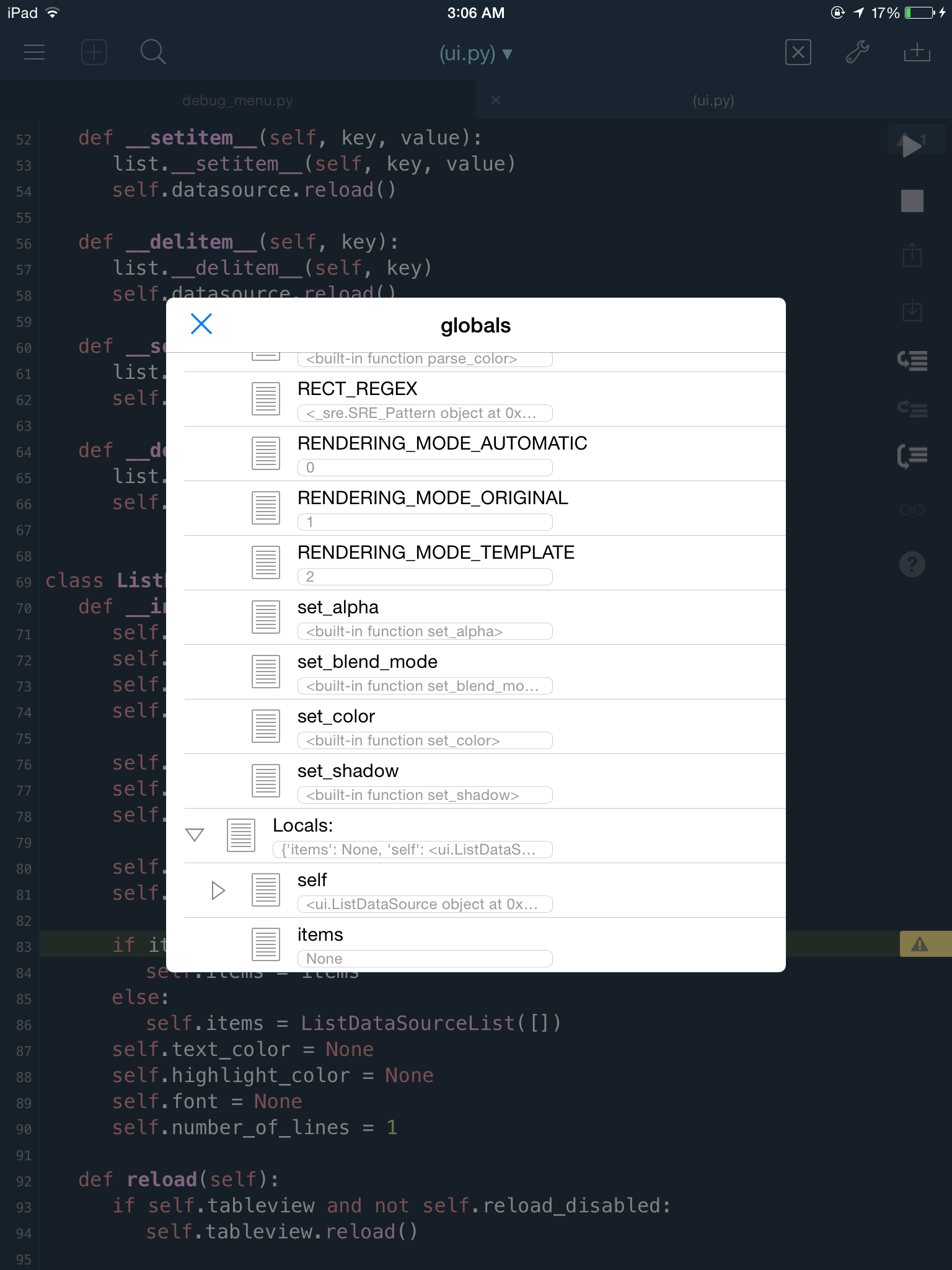
Here is a working, albeit not yet complete, visual debugger. right now it supports stepping in/over/continue/quit, as well as a Locals/Globals display (read only right now).
I have separately working an overlay system for setting breakpoints by tapping the line number, though this is not yet fully baked and is not integrated into the main class yet (see inwork folder) I think I want to also go back to my older line highlight method (currently using editor annotations, but the "warning" is not overridable and interferes with the interface a bit)...
Anyhoo, here's the Readme/install/screenies:
Visual Debugger(vdb)
interactive debugger inside pythonista editor
features
- single stepping, or step over
- continue, or quit
- watch window (view only right now)
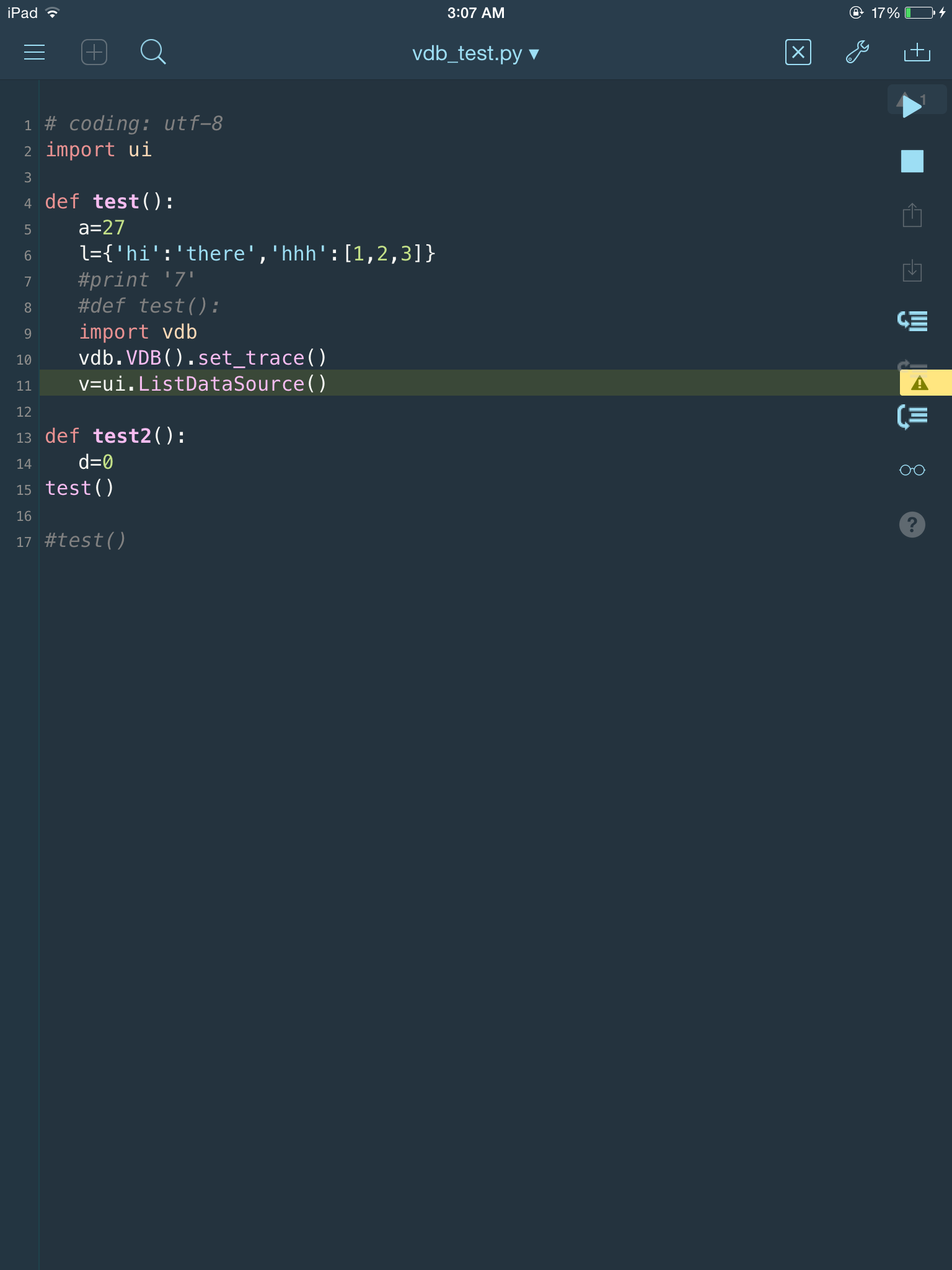
- During debugging, current line is highlighted, and editor opens new file if needed
TODO:
- breakpoint set/clear by tapping line s
- launch script via menu
- stack up/down
- help menu
- optimizations for small devices
usage (where debugging is needed)
    import vdb
    vdb.VDB().set_trace()
install
Thanks to @ywangd for this method.
import requests as r; exec r.get('https://raw.githubusercontent.com/jsbain/vdb/master/get_vdb.py').text
screenshots