Unfortunately, I've recently been unable to provide a new beta version of Pythonista 1.6. This is partly my own fault, and partly due to unexpected difficulties with TestFlight.
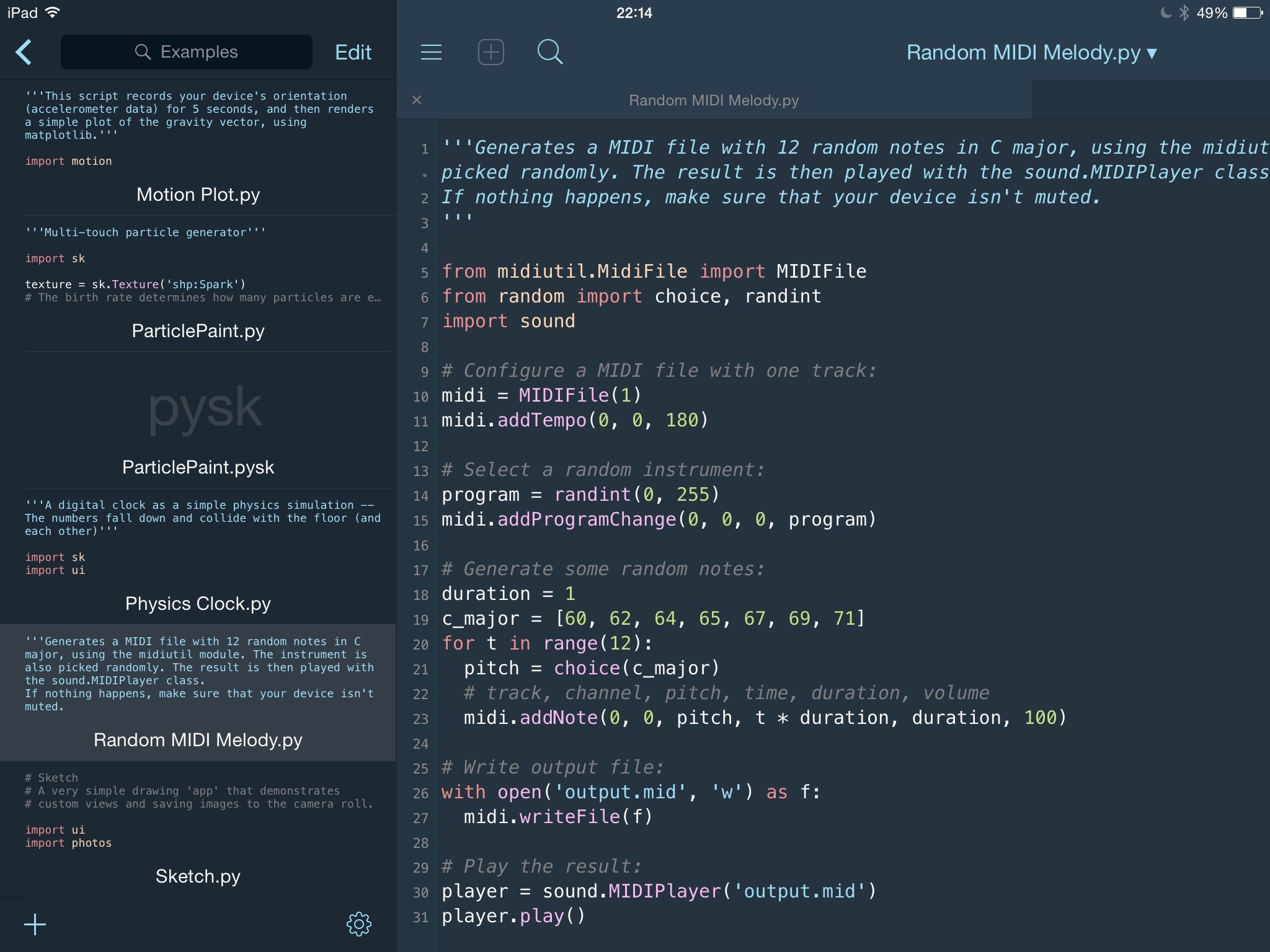
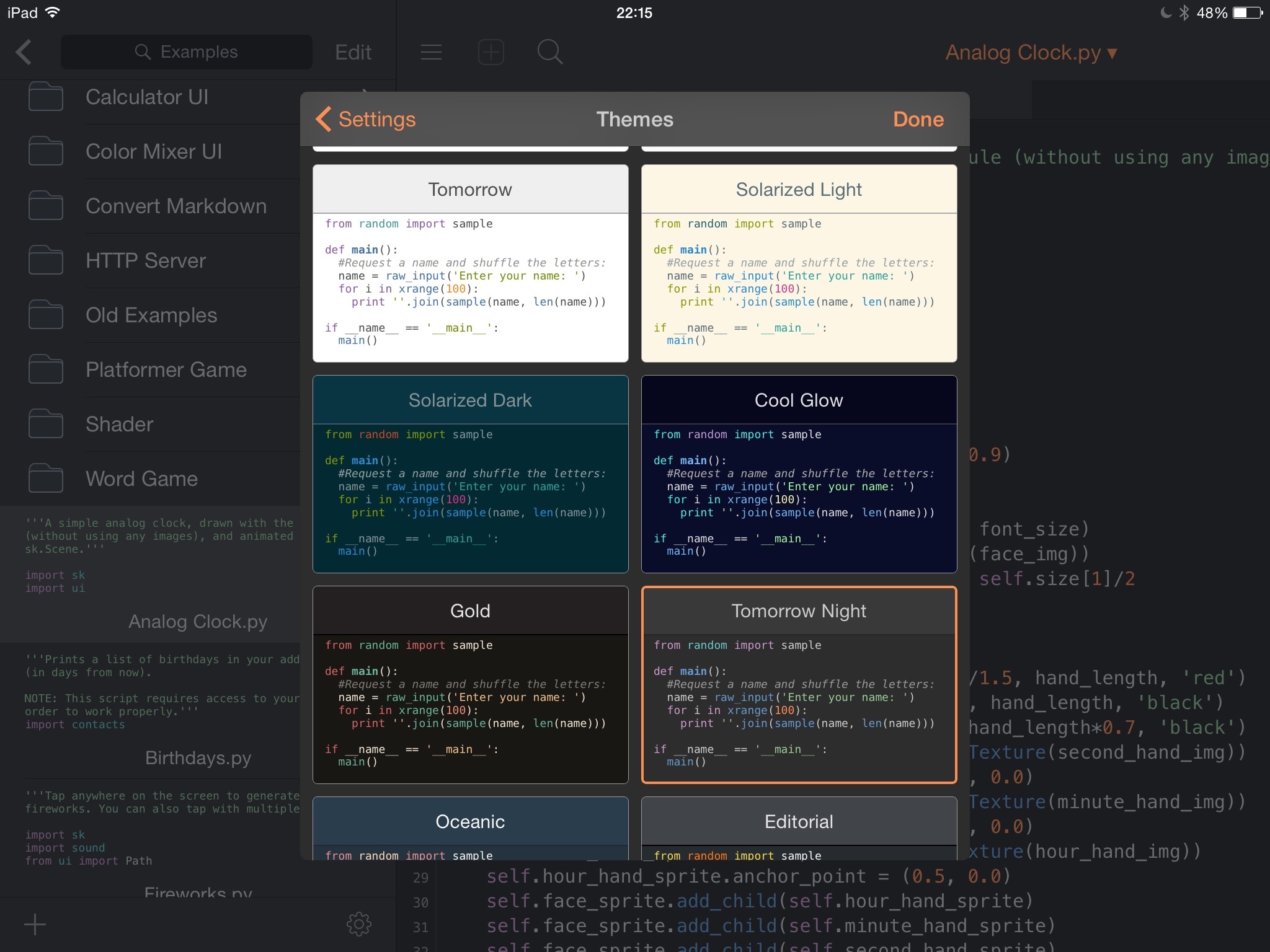
First off, I've been working on two different branches of Pythonista for quite some time, one being the current (expired) 1.6 beta, a relatively minor update with new Python modules but not much else, the other a more significant update with a major UI refresh and quite a few other new features that I'm pretty excited about (more on that soon).
This approach has sometimes made it difficult to keep both versions in a working state. When I changed something in version B, I sometimes ended up accidentally breaking stuff in version A... So a couple of weeks ago, I decided to ditch the current beta branch, and exclusively focus on the new version instead, but I have to admit that I vastly underestimated the amount of work that this would take – a lot of basic things were still missing in the new branch, and even though it had some nice new features, it would have been a step down in terms of stability and basic functionality that you'd expect, even if you were coming from 1.5.
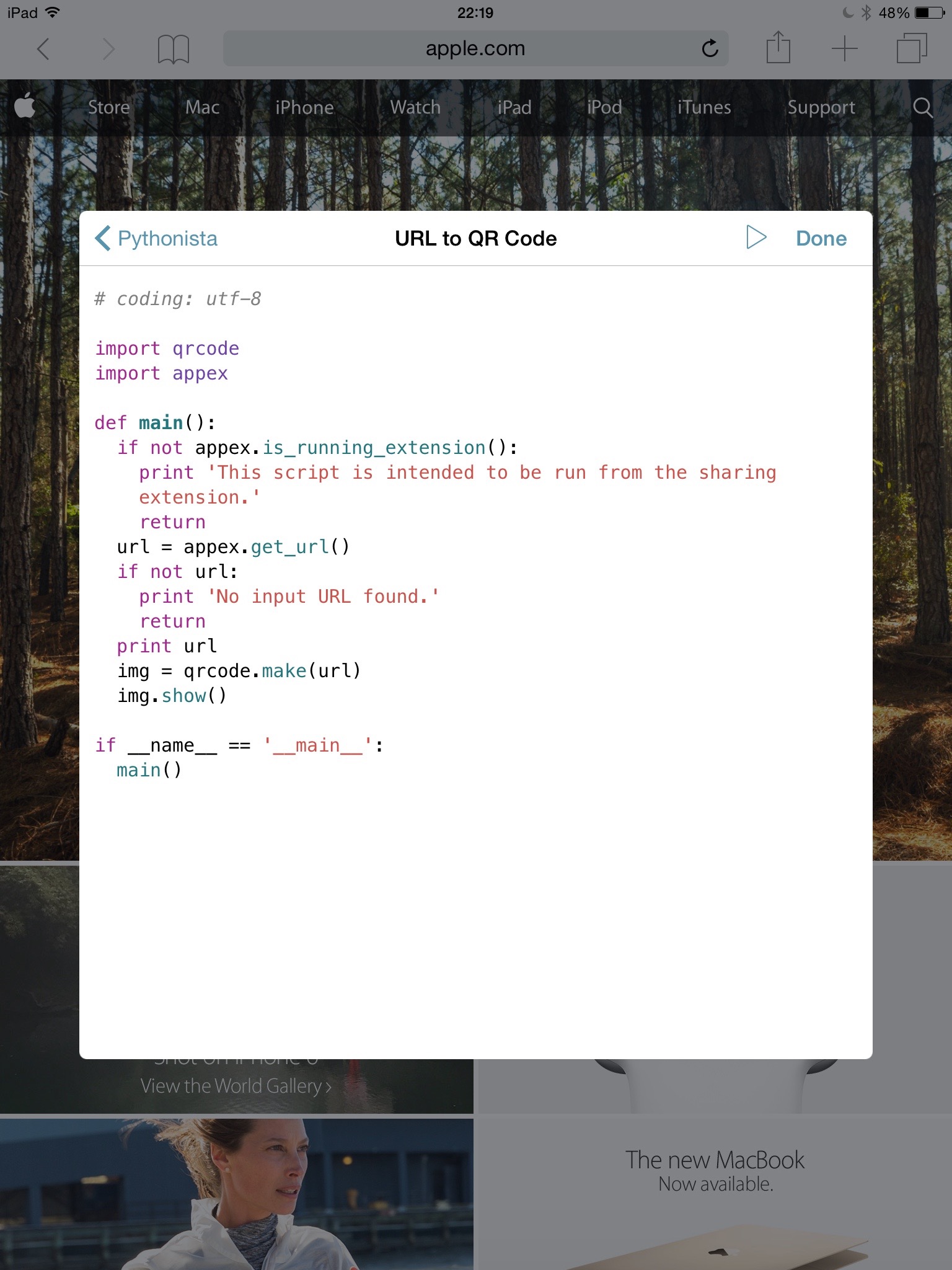
Right now, it's still a bit rough around the edges, but definitely usable and an improvement over the current version. Unfortunately, I haven't been able to get TestFlight to work with it yet. I continue running into server-side issues with builds not processing properly after I upload them. In order to make some new features work, I had to change the App ID (for code-signing), and it seems that this is a scenario that just doesn't work very well with TestFlight – it's difficult to go back now because that would mean sacrificing new functionality that I spent quite a lot of time on... At first, the only reason for the new App ID requirement was the document picker support in the new dialogs module (requires iCloud entitlements), but the new version also contains an app extension (for running scripts from the share sheet in other apps), and I've realized now that this also doesn't work with the old App ID, and while the document picker support wasn't that important to me, the app extension is a major feature that I really want to ship.
If you do have the current (expired) beta installed and would like to get your data out of it, here are two options you can use:
Option 1 (if you have a Mac with Xcode):
- Connect your device via USB
- Start Xcode and select Devices from the Window menu, then select the connected device in the sidebar
- Under Installed Apps, select Pythonista
- Click on the "Gear" icon and select Download Container...
The downloaded container is a package (i.e. folder), so you can view the individual files in Finder by selecting Show Package Contents from the context menu.
Option 2 (if you're on a PC or don't want to install Xcode):
- Make an unencrypted(!) backup of your device using iTunes
- Download the iBackup Viewer tool (Mac or Windows) – (the free version will do, if you have the paid version, you could also encrypt your backup)
- Go to "(your device)/Applications" (this may take a while to load)
- Select Pythonista in the list of apps, then click the "gear" button and select Save all Files.... I would recommend that you create a new folder for this because the app will create multiple folders while extracting the backup files.
Edit: You can also try downgrading by downloading 1.5 from the App Store. Apparently, this didn't result in data loss for some people, but I'm not quite sure if this always works.
That's all I have for now. I'm very sorry this took so long. When I know more, I'll post it here.