Even though I've never promised an actual release date, and the above was indeed more of a "teaser", I guess it's obvious that I wanted to have the update out a lot sooner myself. I'm really sorry if the delay got some of you worried about the app being abandoned, but I can assure you that this is absolutely not the case.
In hindsight, I probably should have released a smaller update a while ago, and I'll try to learn from this. Being a solo developer, I can change plans pretty quickly when I get excited about a new idea, and while I'm very grateful for that freedom, I'm also well aware that it can make the whole process somewhat unpredictable, and perhaps less trustworthy.
Especially when working on new features (vs. incremental improvements/fixes), it's often very hard to predict how long it will take, and more importantly, if it'll work out at all.
For example, when I worked on Editorial 1.0, I spent about two months on experimenting with an entirely different method for creating workflows. In the end, while the system was more flexible in a lot of ways, it turned out that it was also more difficult to wrap your head around, and that the UI wouldn't work at all on the iPhone... It looked pretty cool on screenshots though, so if I had worked on this "in the open", I'm pretty sure that a lot of people might have been disappointed when I decided not to pursue this idea.
After I released Editorial 1.0, my first priority was getting Pythonista ready for iOS 7. Even though Editorial got a lot more attention then, the update for Pythonista was more important because the then-current version had pretty severe compatibility issues on iOS 7 that didn't exist in Editorial because I could already test it on the betas.
Shortly before releasing Pythonista 1.4, I started working on a pretty big new module. I didn't plan to include it in that update because I wanted to get it out as soon as possible, but I was (and still am) pretty excited about it. While I initially only thought about it in the context of Pythonista, I started seeing a lot of potential for this in Editorial as well, and I quickly made a lot of progress initially, so I figured that it wouldn't push back the release by more than a few weeks.
As it turned out though, there were a lot of little details/bugs that took quite a bit longer to figure out. Both Editorial and Pythonista are "platforms" in a way, so I have to get some things (mostly) right the first time, because people then start building on them, and I can't make radical changes that would break existing workflows or scripts.
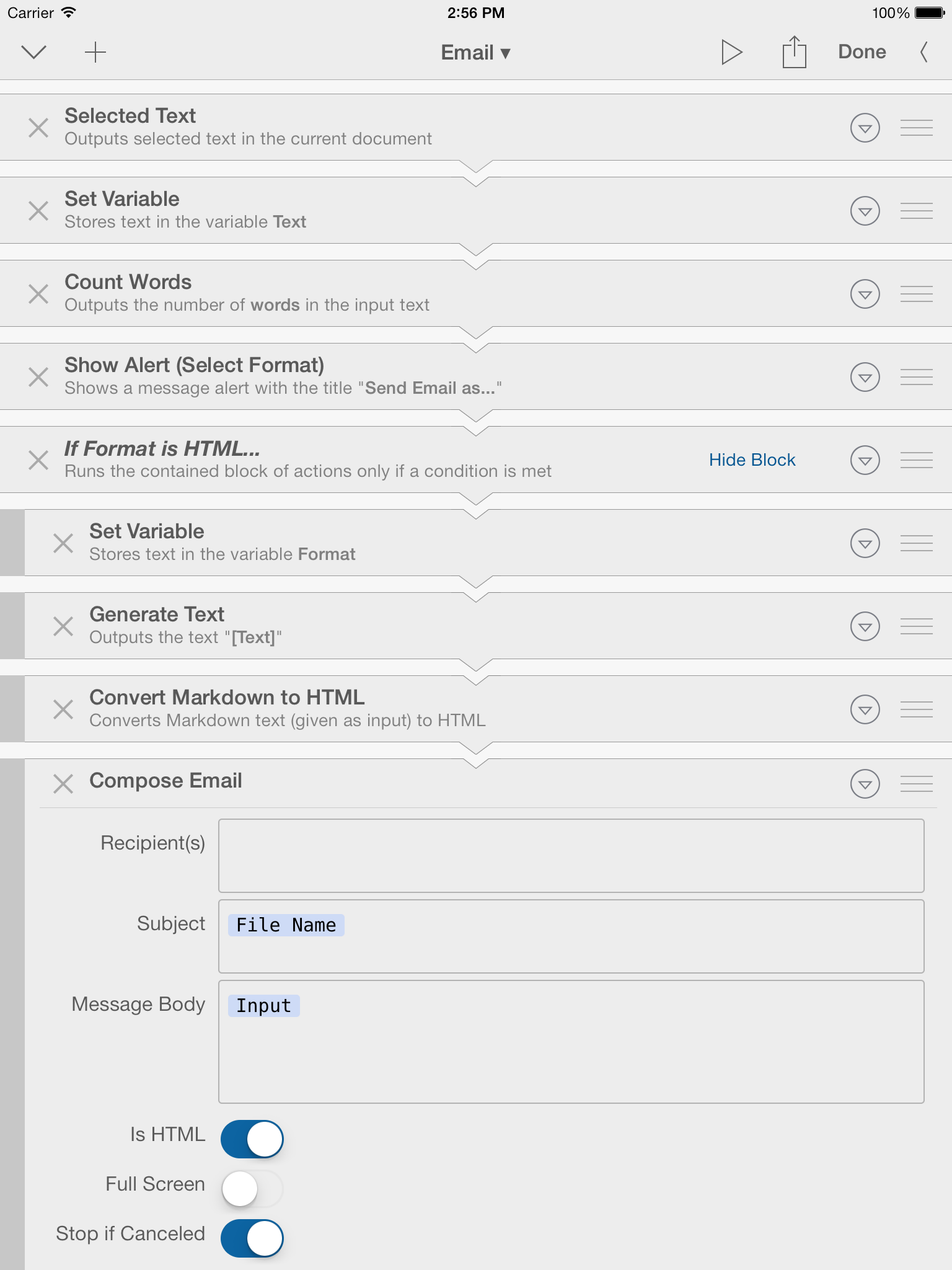
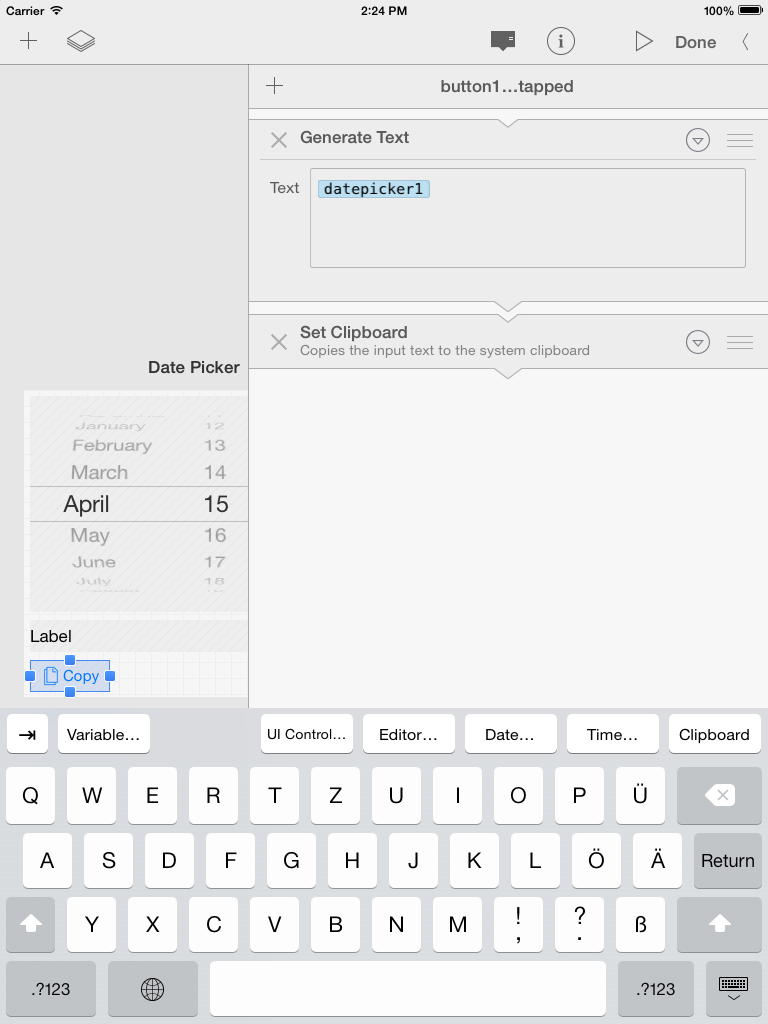
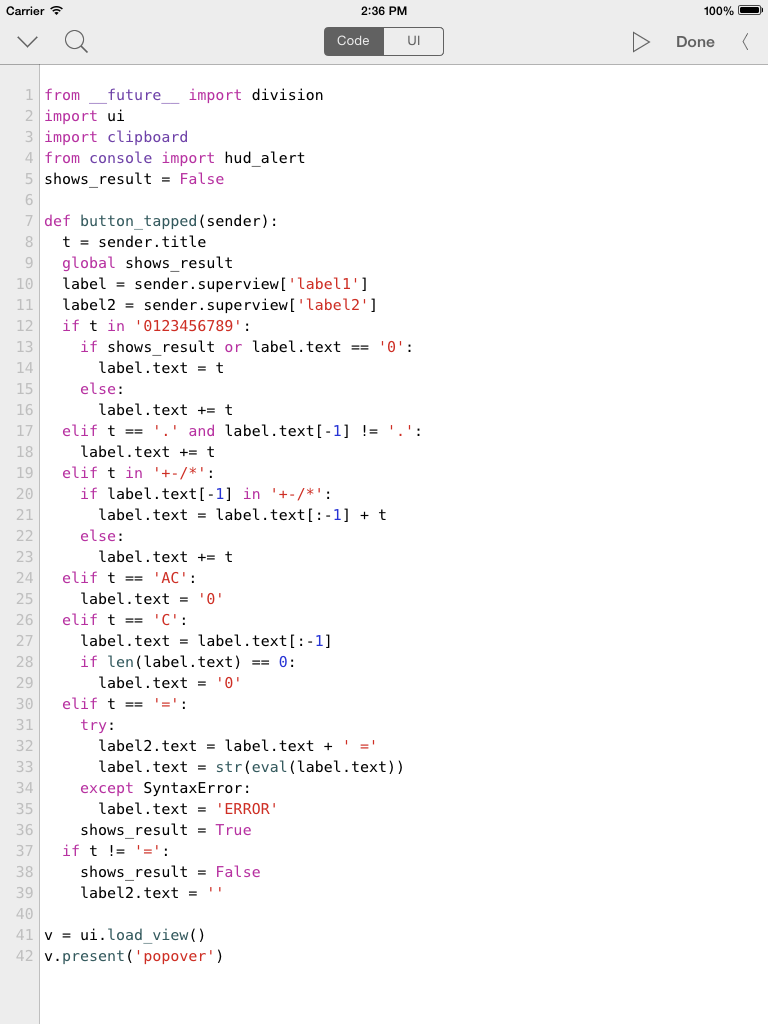
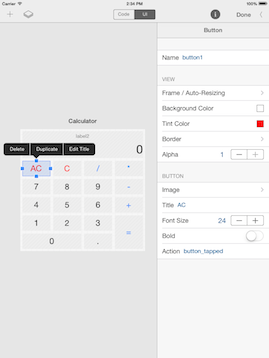
Anyway, the thing I'm actually talking about is a Python module called ui that'll basically allow you to create custom user interfaces. It's not just a module, there's also an integrated visual editor for setting things up without code, and in Editorial there's also a way to build UIs around workflows, without having to write Python at all (though you can also mix and match). Before you get the wrong idea: This is in no way a complete wrapper around UIKit or some kind of Cocoa bridge, so you won't be able to do a all the things you could do in a native app, but it provides a (hopefully) easy-to-use and pythonic way to create UIs that look and feel "at home" on iOS, and it's possible do some relatively advanced stuff with custom drawing and touch handling.
For Editorial, I tend to think of this as a "plugin" interface that allows the creation of workflows that are nearly indistinguishable from native features. Obviously, this won't be for everyone, and there will definitely be a learning curve, but given what I've seen this community come up with, I'm pretty confident that it will enable some people to really push the limits of iOS text automation (and others to reap the rewards via shared workflows).
I didn't want to announce this sooner because I faced quite a few challenges getting memory management and a couple of other technical details right, and frankly, I wasn't sure if I could pull it off – but at this point, I'm pretty sure this can work well, and it's been in beta testing for a while now.
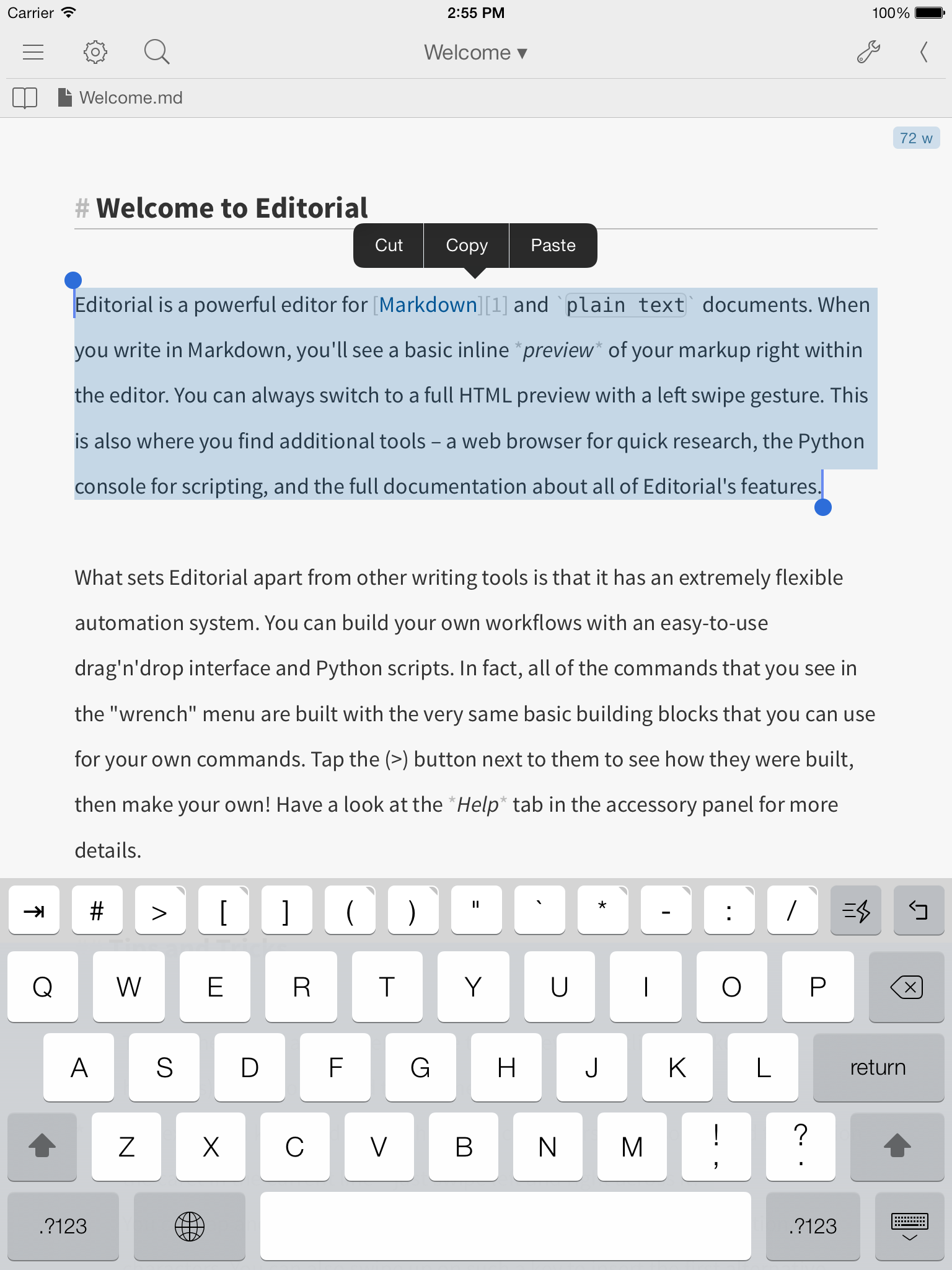
I've hinted at a couple of other improvements, both here and on Twitter, notably TaskPaper support and an iPhone version.
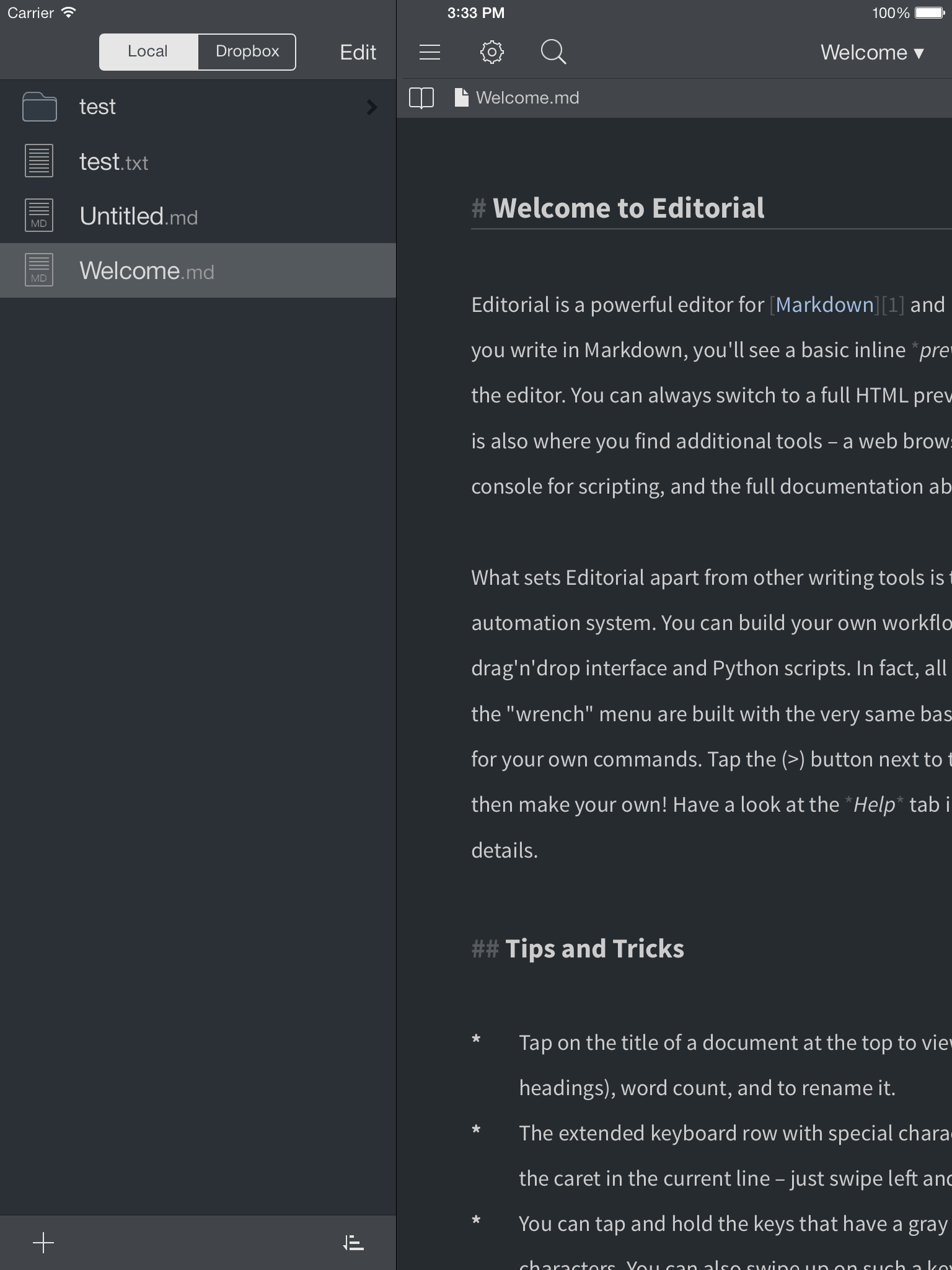
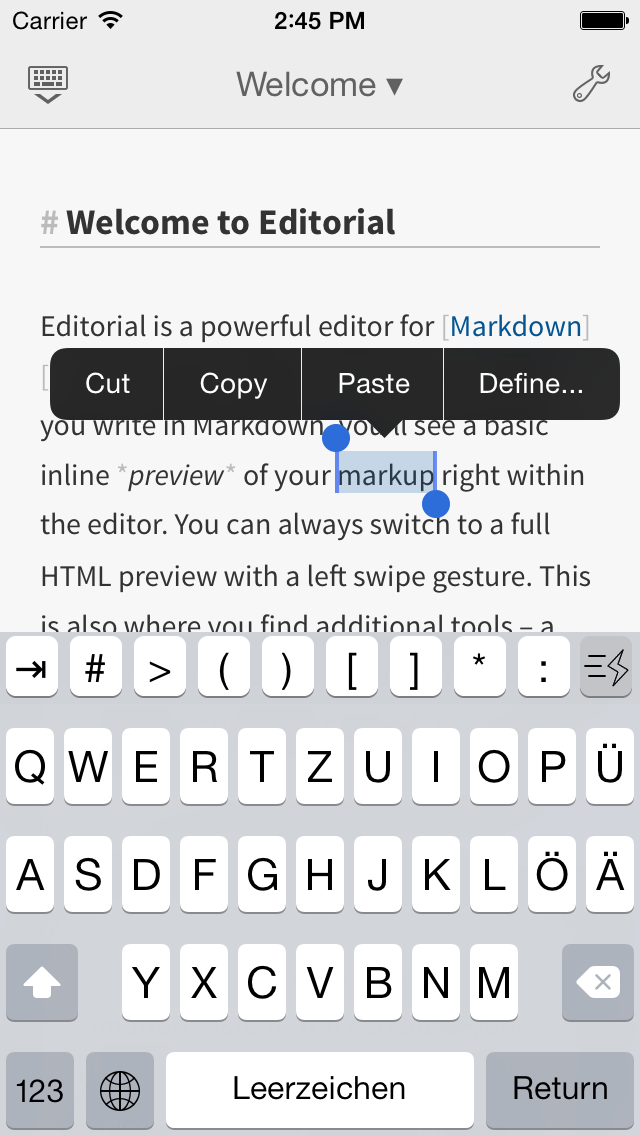
While these are also relatively big features, I already started working on them before 1.0 was released. I mostly pulled TaskPaper support out of the initial release because it seemed a little bit like a rip-off and I didn't want to dilute the Markdown focus of the app, but given that the official TaskPaper app for iOS is no longer available, and a lot of plain text folks are looking for alternatives, I think that it makes sense to include it now. I've tweaked the implementation a little bit since I worked on the original version, but overall, it wasn't a huge change, and I mostly "resurrected" code I had already written. It's similar with the iPhone version – this was quite a bit more work, but I definitely wasn't starting from scratch, and 1.0 had a lot of the pieces already in place. My current plan is to release it as a universal app (free update) and raise the price (for new users) to $6.99, but I'm still thinking about it, and I might make the iPhone version a separate app instead (this is basically just a business decision, it doesn't affect the actual development very much).
At this point, the things I've talked about are pretty far along, but some polish is still missing, and I need to work a bit more on the documentation. The same applies to Pythonista 1.5 – because of the platform characteristics I mentioned before, I think that it makes sense to release the updates for both apps (more or less) at the same time, so that the feature set/API of the custom iOS modules is in sync.
I hope this has clarified a few things, but feel free to ask any remaining questions you might have below, I don't have a lot of surprises left anyway. ;)
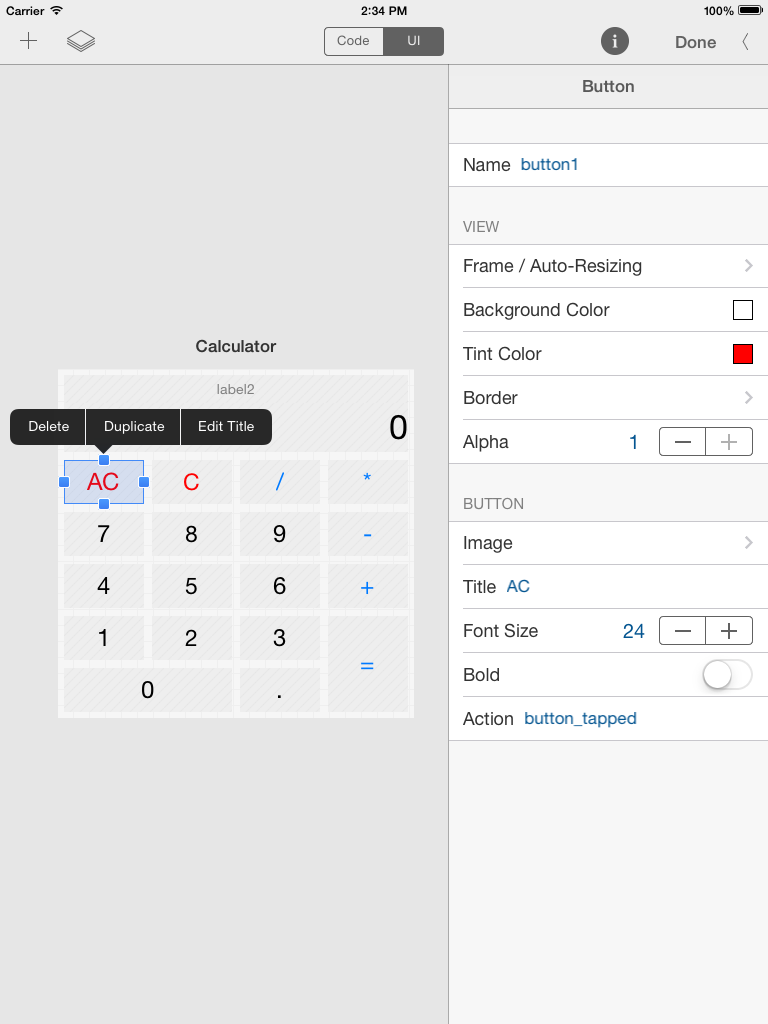
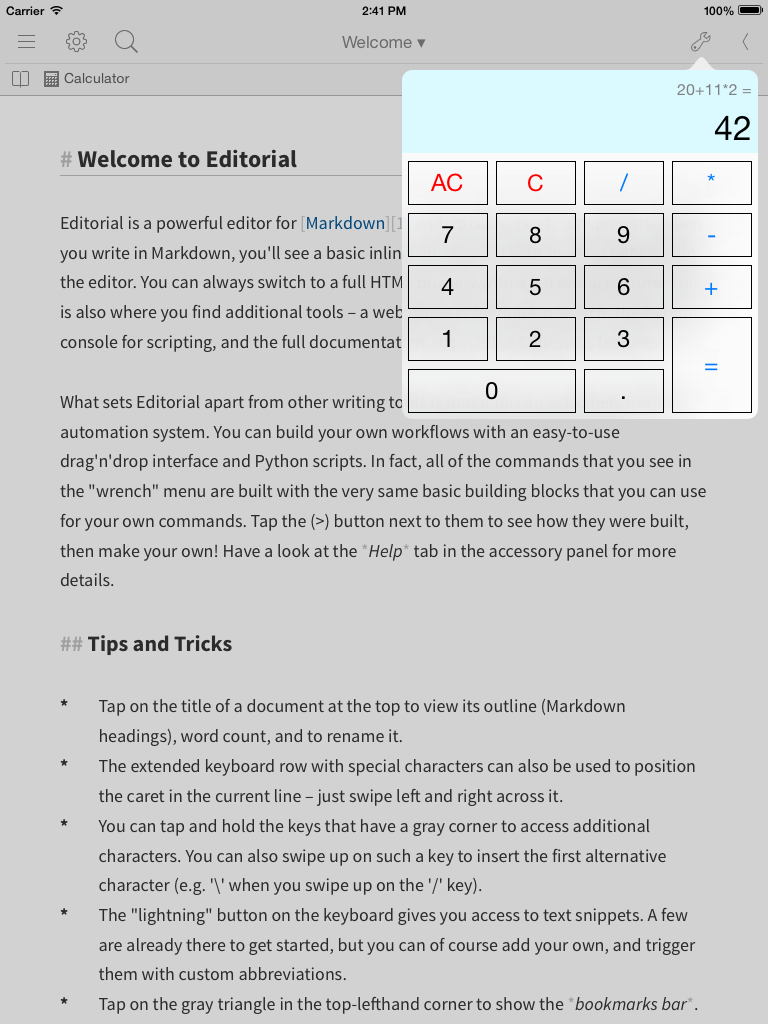
Finally, here are some more screenshots of the work in progress (click on the thumbnails for the full size):
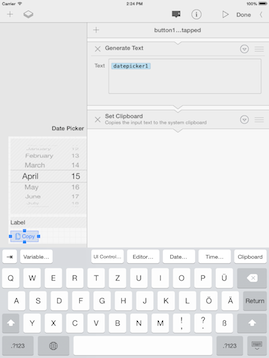
This is very simple workflow-based UI, there's an embedded workflow that is run when the selected button is tapped:
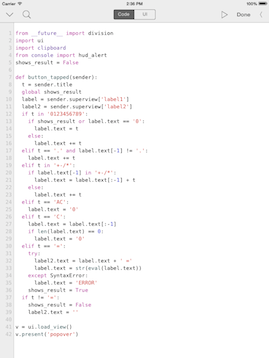
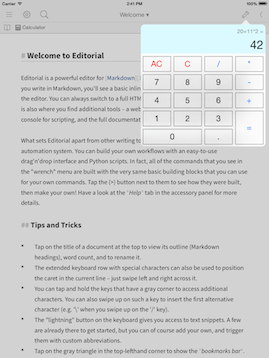
...this is a more complex Python-based UI that implements a calculator popover. Since the code fits on one screen, you can also get a rough idea of how the ui module's API works:
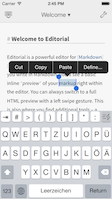
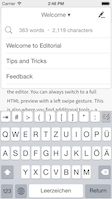
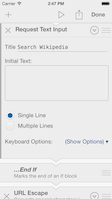
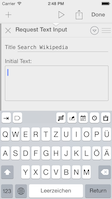
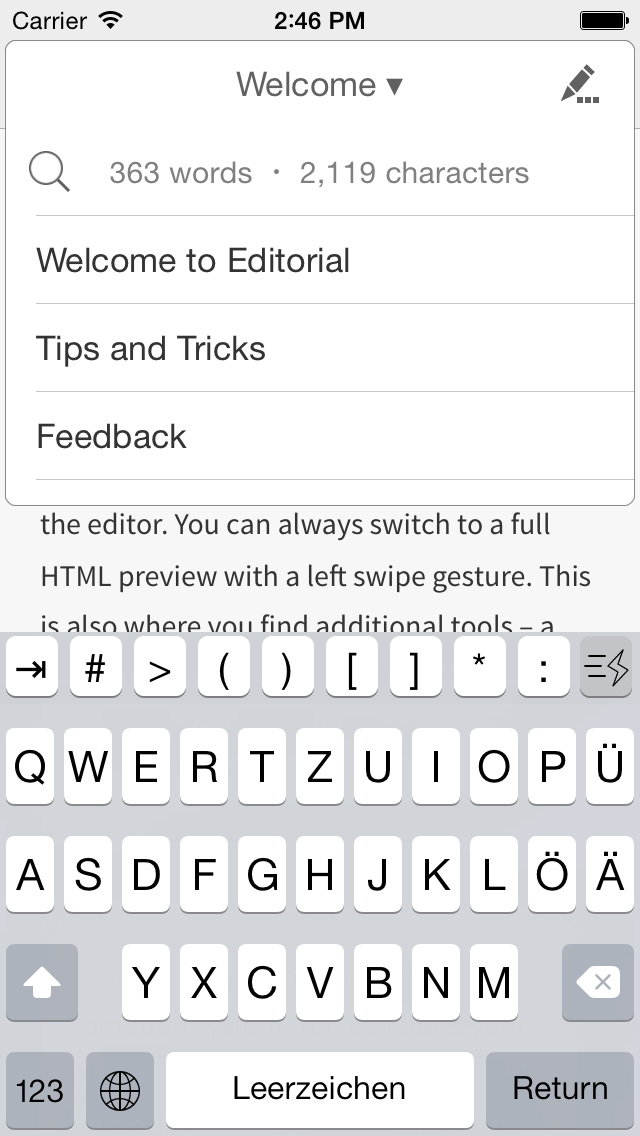
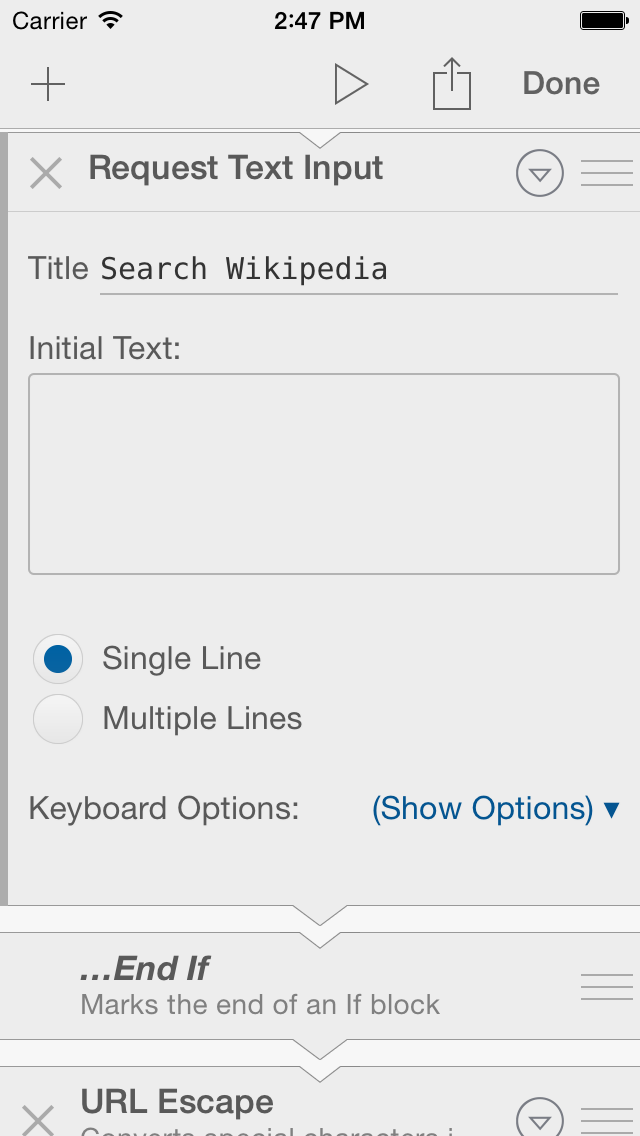
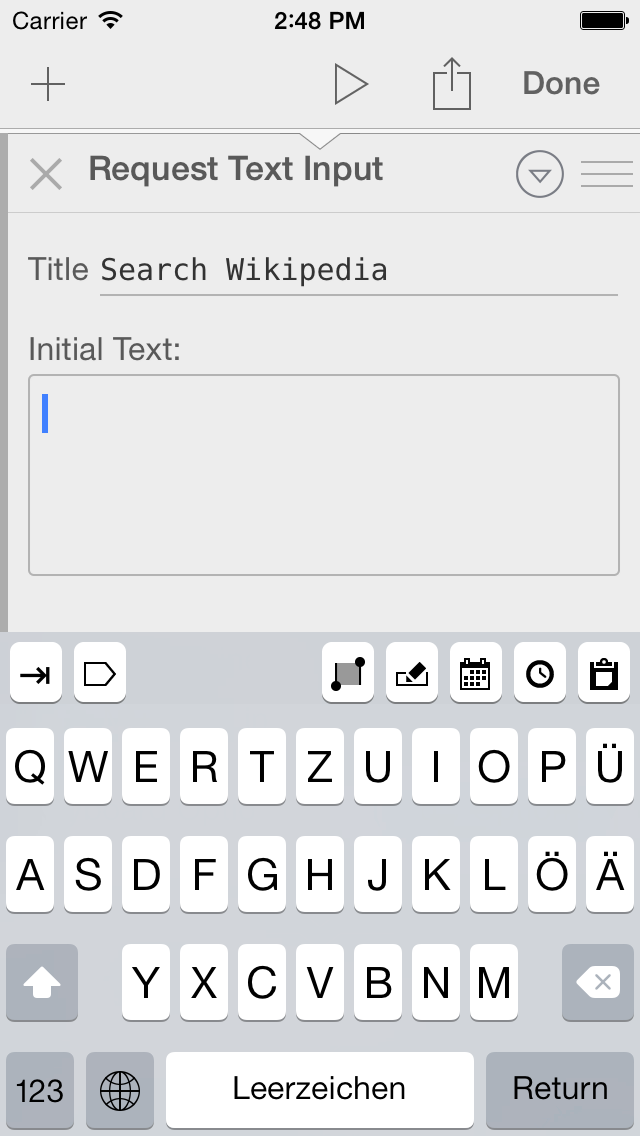
...and finally, a few screenshots of the iPhone version: