Pythonista

Pythonista brings the Zen of Python™ to your iPad or iPhone.

Create interactive experiments and prototypes using multi-touch, animations, and sound – or just use the interactive prompt as a powerful calculator.

Pythonista is also a great tool for learning Python – The interactive prompt helps you explore the language with code completion, the entire documentation is accessible right within the app and you can get started with lots of ready-to-run examples.

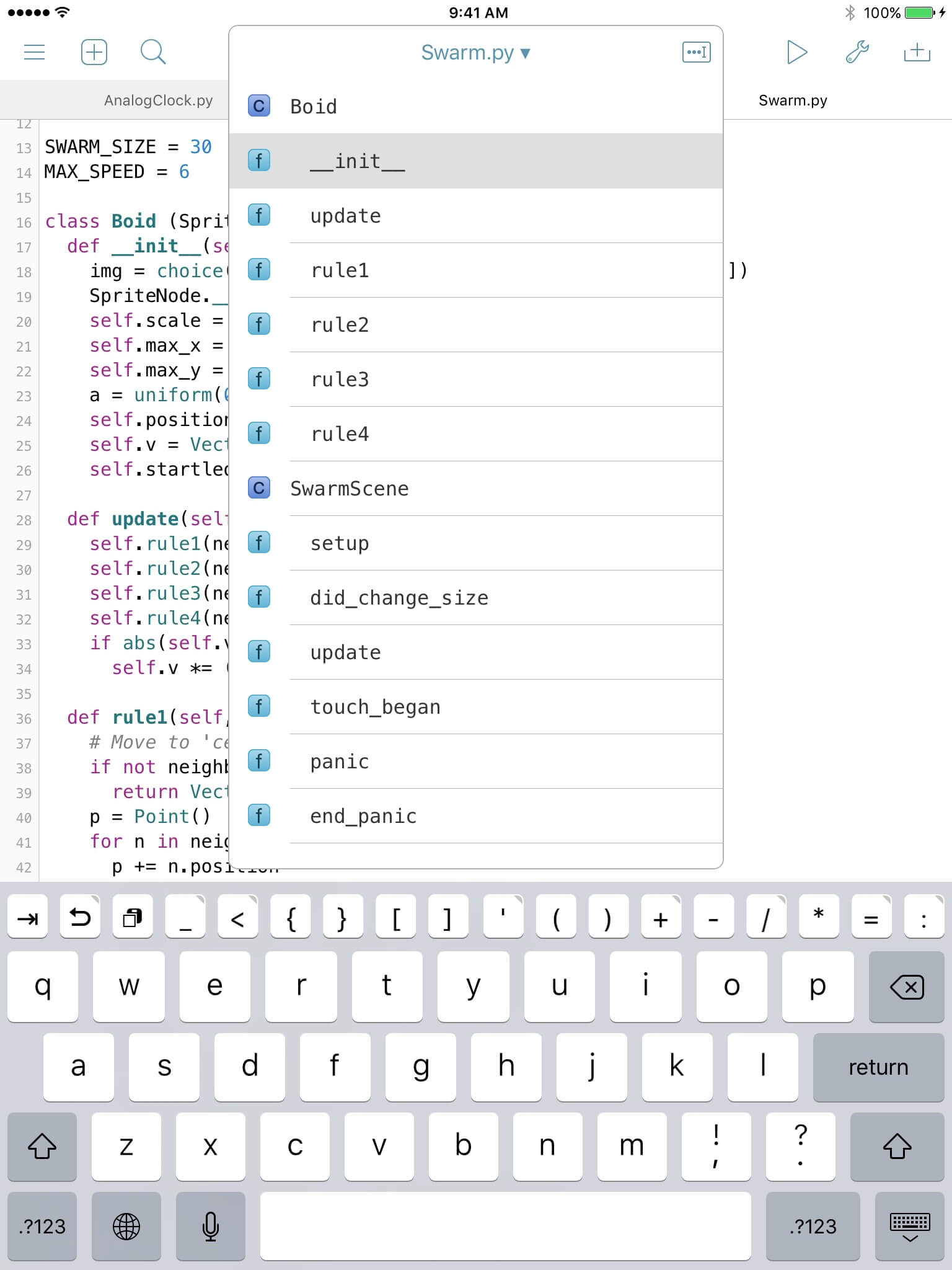
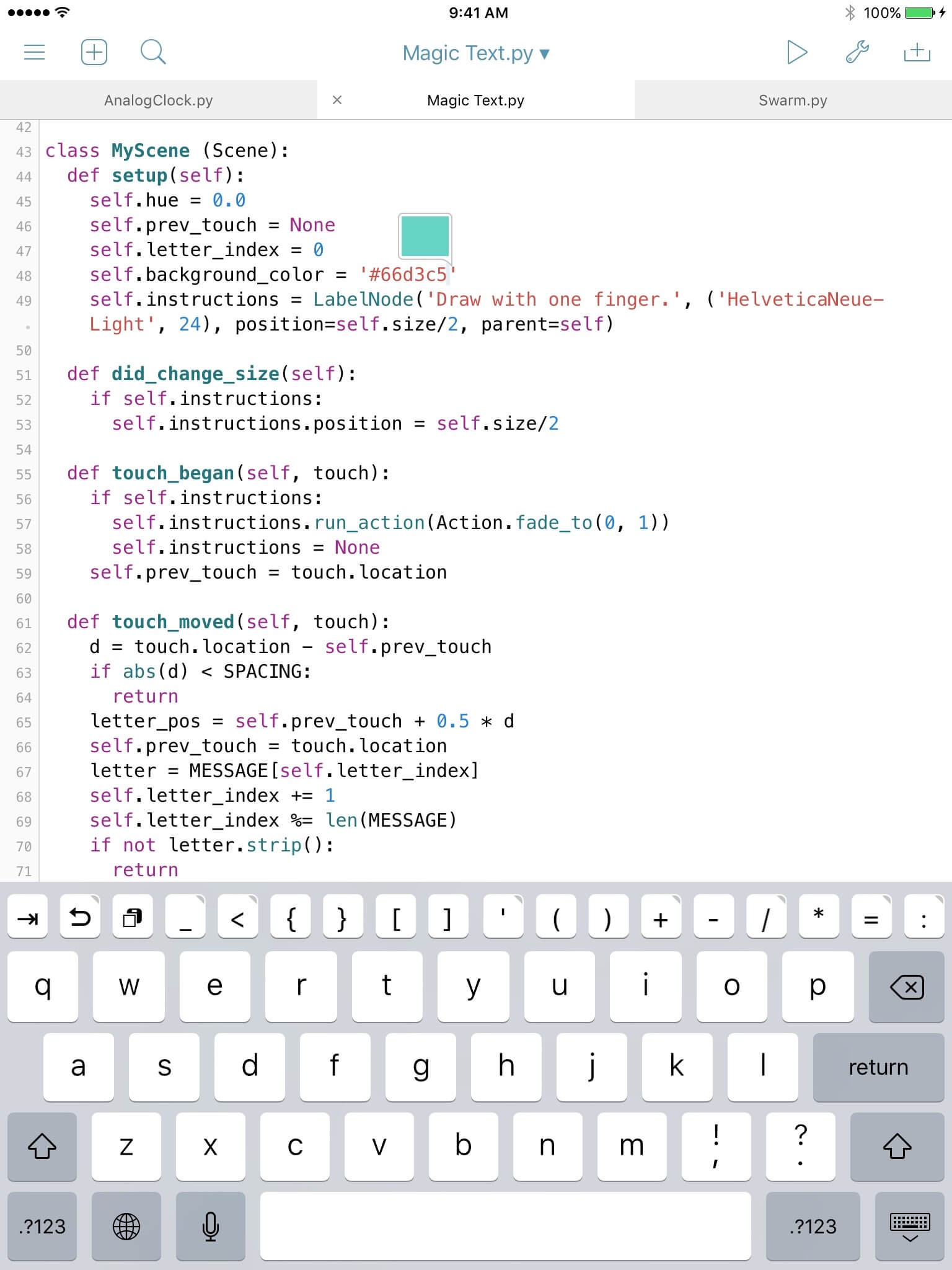
The code editor has everything you'd expect: Syntax highlighting, code completion and an extended keyboard, designed for Python. It is even scriptable.

$6.99 — Universal app for iPad and iPhone

Overview

Click on the thumbnails for larger screenshots.

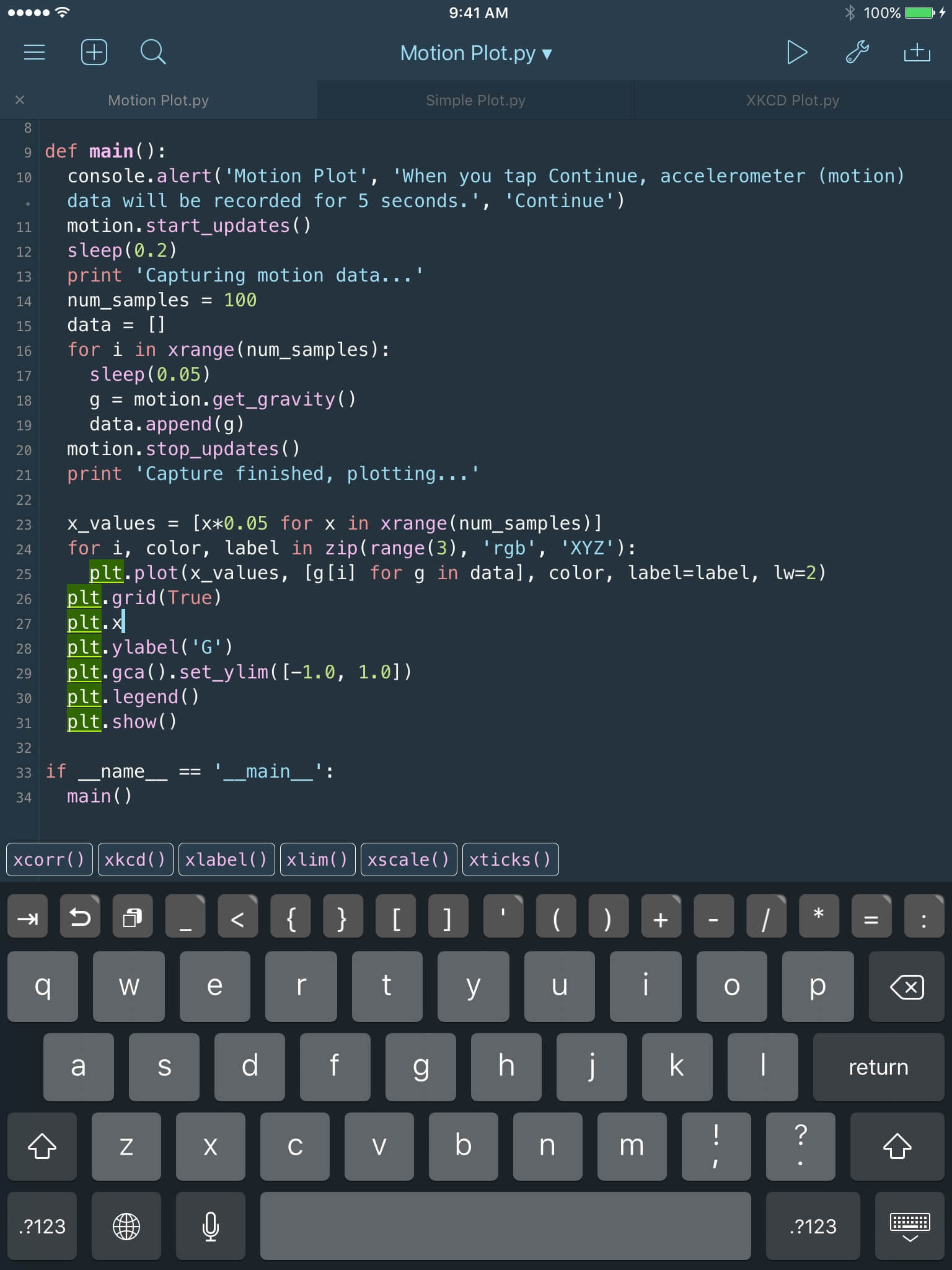
Full-featured Code Editor
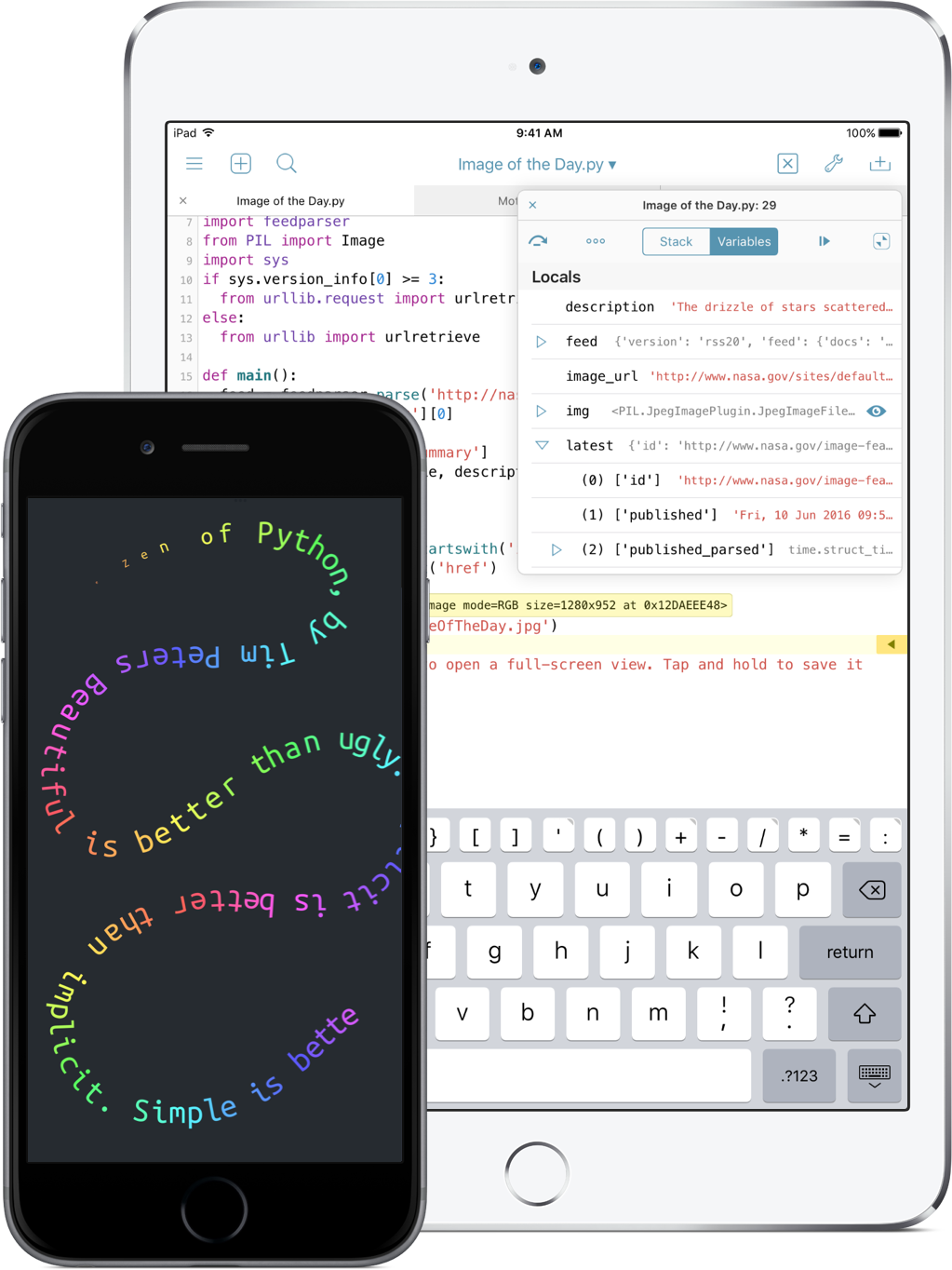
The code editor has syntax highlighting, basic code completion, and an extended keyboard with gesture controls. – And like any good programming editor, it is scriptable itself: Use the built-in editor module to extend it with your own commands. We've included some useful examples in the documentation to help you get started.
Modules for Graphics and Touch
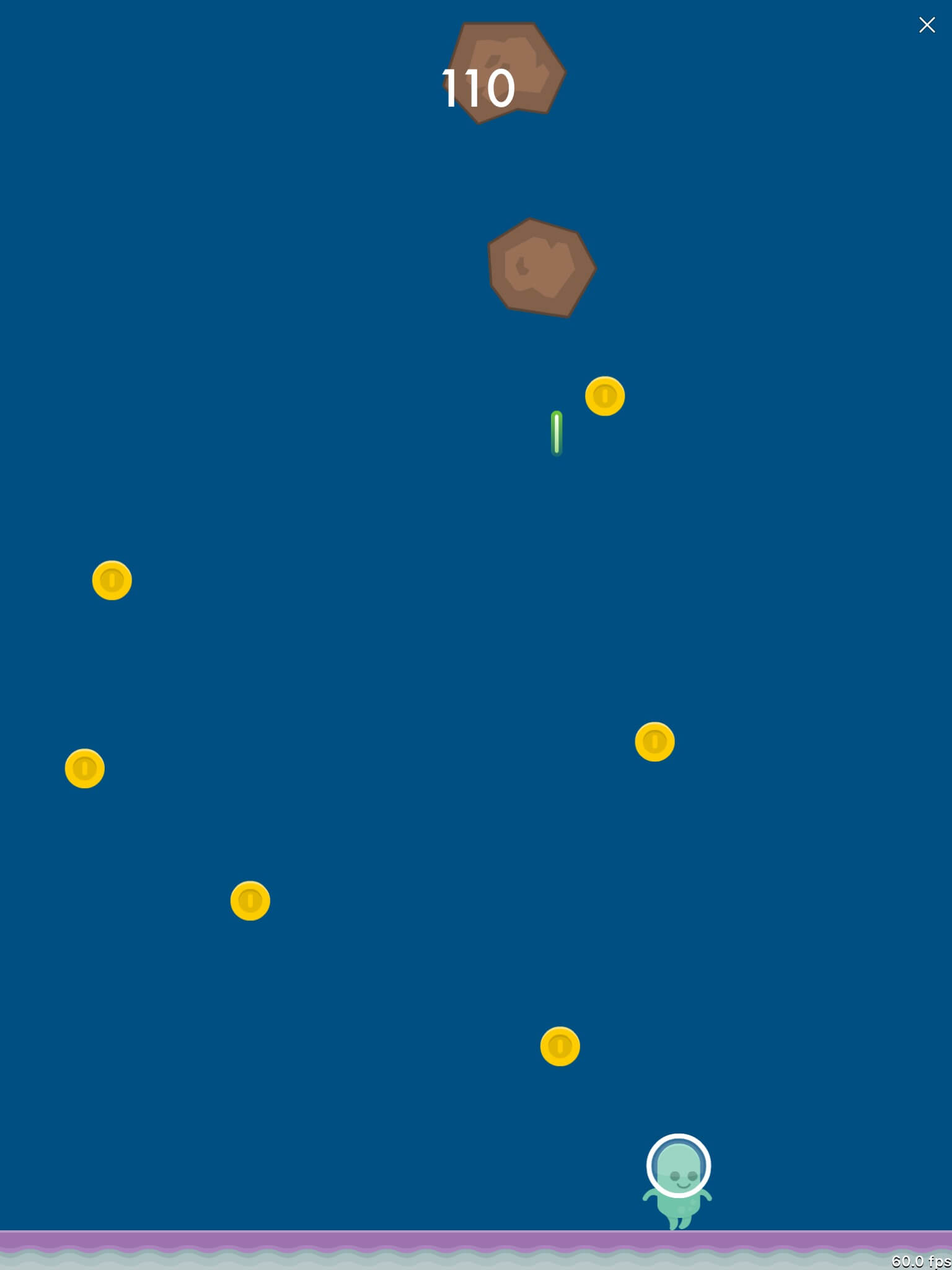
Pythonista comes with easy-to-use libraries for 2D graphics, multitouch and sound that are inspired by the simplicity of Processing. You can even use the accelerometer to create motion-controlled games or interactive experiments. We've included lots of ready-to-run examples, including three complete games and a multi-touch toy piano.
Powerful Interactive Prompt
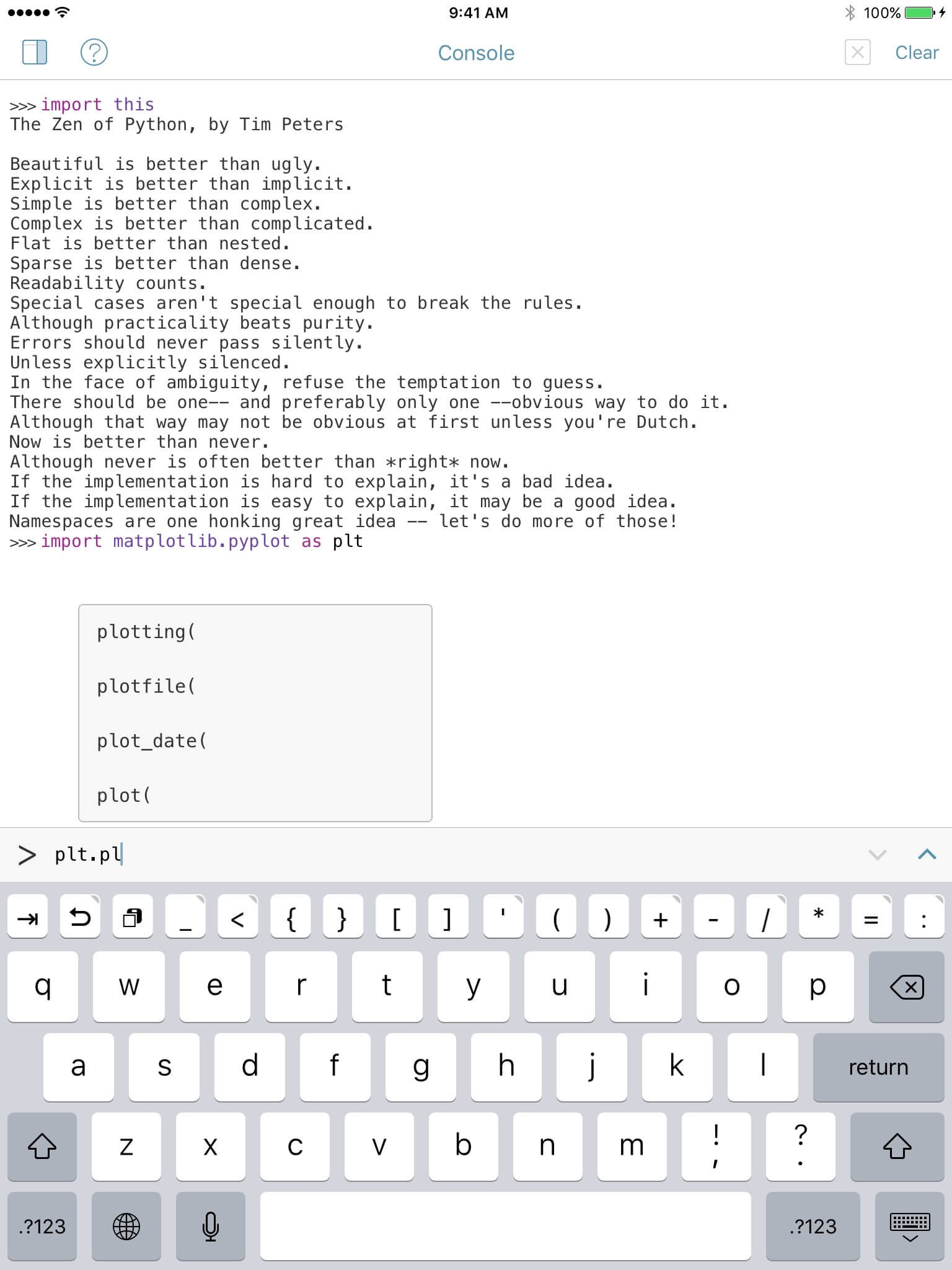
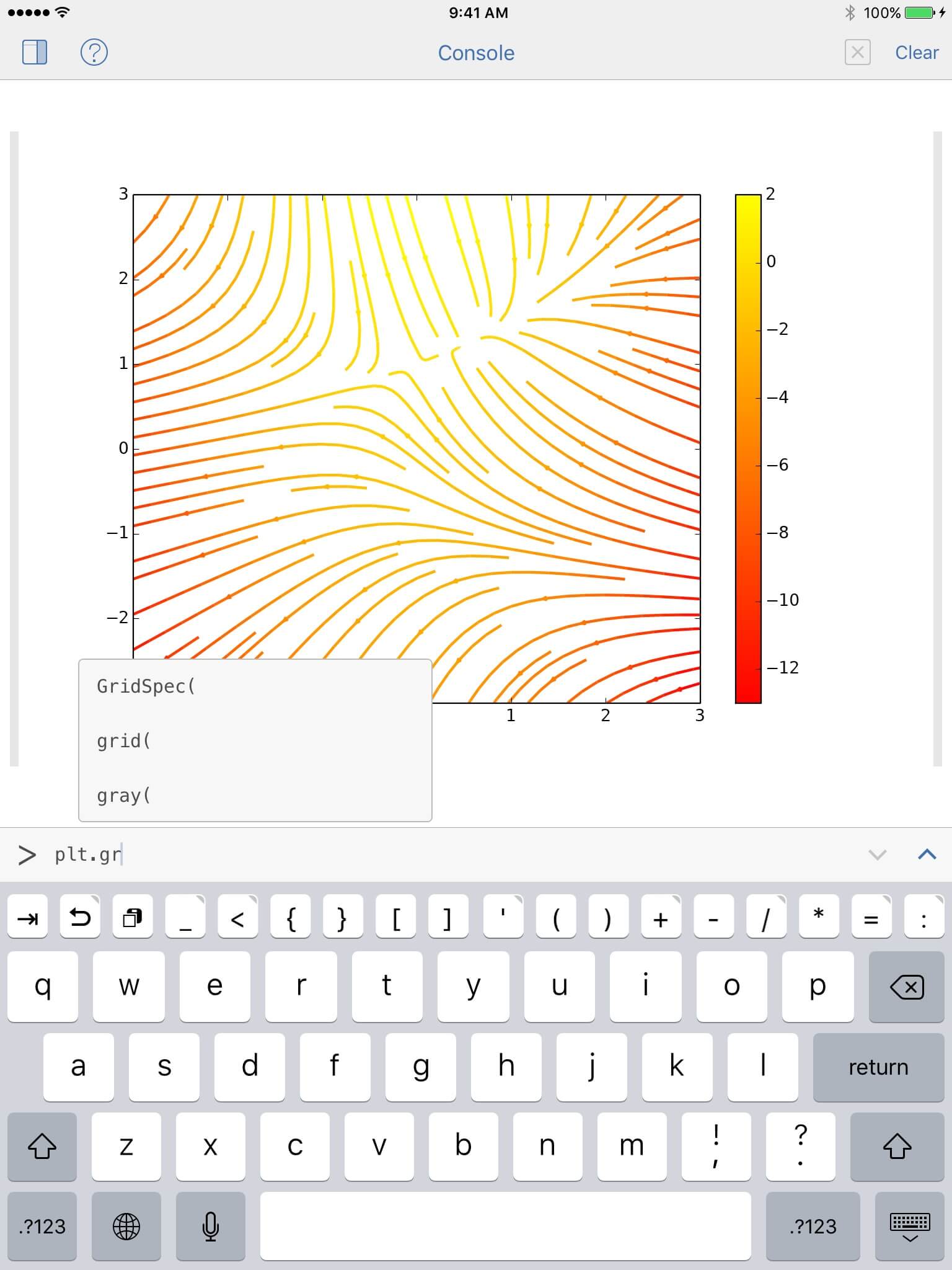
When you want to quickly try something out, the interactive prompt is always just a swipe away.

It helps you with accurate code completion and a convenient command history.

More Than a Toy
Pythonista isn't just for games. The Standard Library has tons of modules for doing math, processing text, working with data from the web, and much more. Additionally, you have access to the iOS clipboard, an in-app web browser and — new in version 1.2 — the powerful Python Imaging Library.

More Features

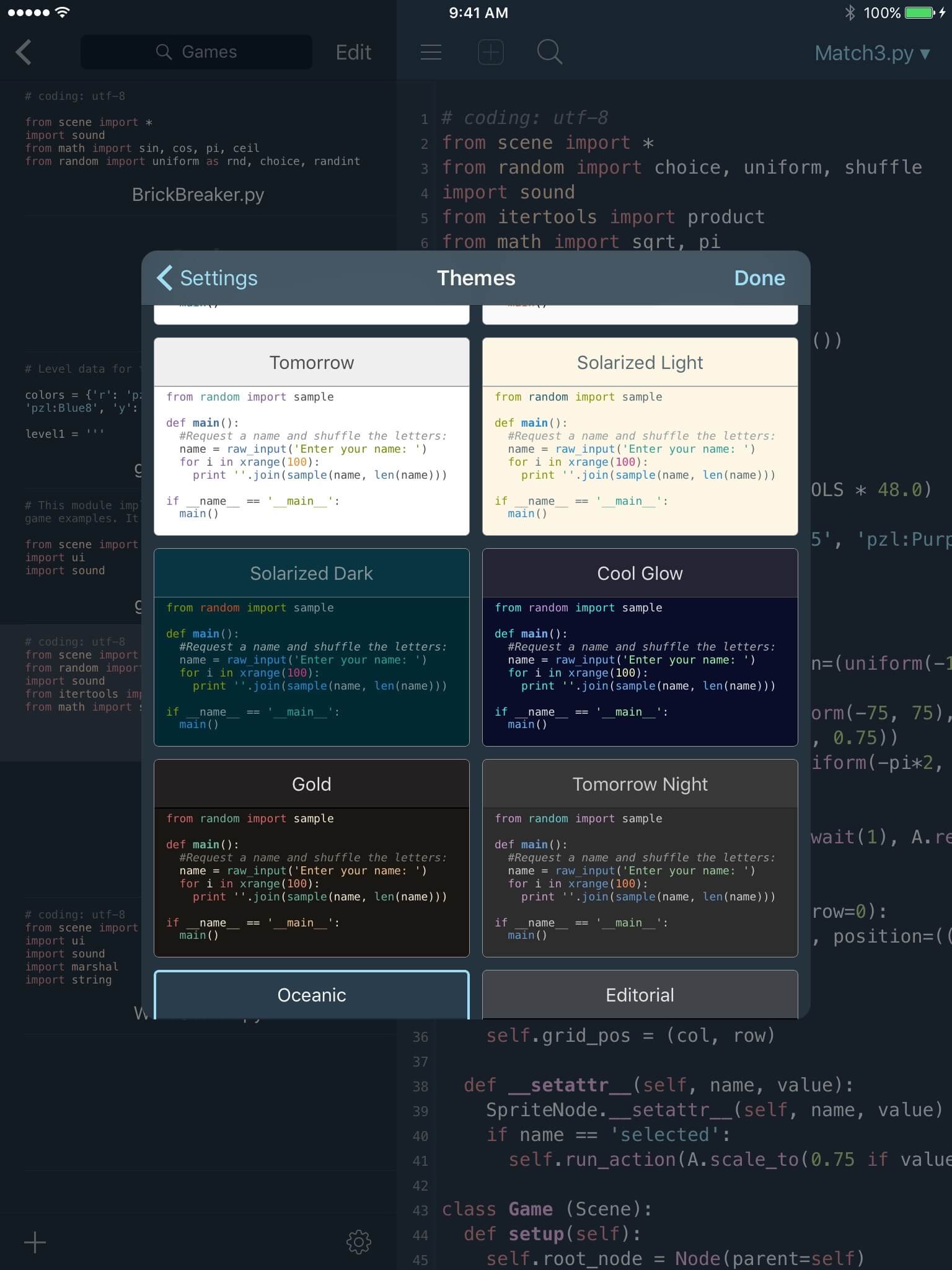
Color Themes
The code editor can be customized with 6 tasteful color themes and different coding fonts.
Extended Keyboard
The keyboard has been designed specifically for Python and includes common special characters.
Universal App
Pythonista runs on iPad, iPhone, and iPod touch, so you can really code anywhere.
Export to Xcode
That's right, you can export your scripts as Xcode projects that build standalone iOS apps.
Complete Documentation
The Python documentation is accessible from anywhere in the app and you can look up selected words directly from the editor.
Instant Sample Code
When you find a useful snippet of sample code in the documentation, it takes just one tap to open it in the editor.

Get Pythonista on the App Store

Visit the Community Forums

Read the Documentation

See What's New in Version 1.3